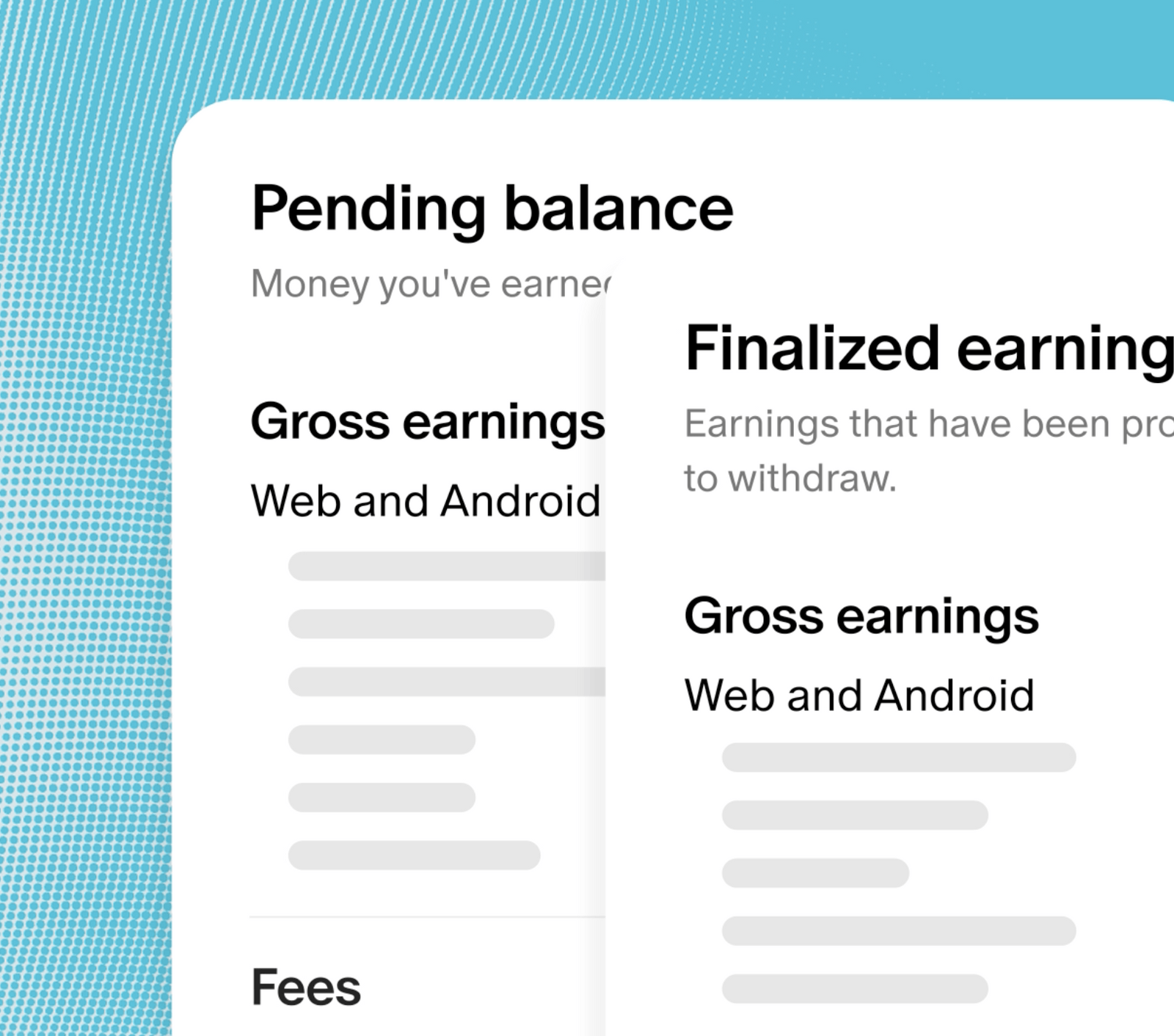
Starting today, your Payouts tab shows you a complete record of earnings moving in and out of your account, including what's available to withdraw, what's pending, and how your balance changes month by month. It's built to answer a question we hear a lot, which is why your balance doesn't always match what reaches your bank.
What's new
See what's available to withdraw, and why
Learn what's ready to withdraw at the top of the page. Each month shows a starting balance, money in, and money out, and finalized earnings. Click into each transaction to see what's pending, your gross earnings, fees, and adjustments.
Track what's landing in your bank
You can withdraw your full balance or any amount of your available funds. Before you withdraw, you can see your payout fee, the exchange rate, and the amount heading to your bank before you confirm.
Download CSVs that match
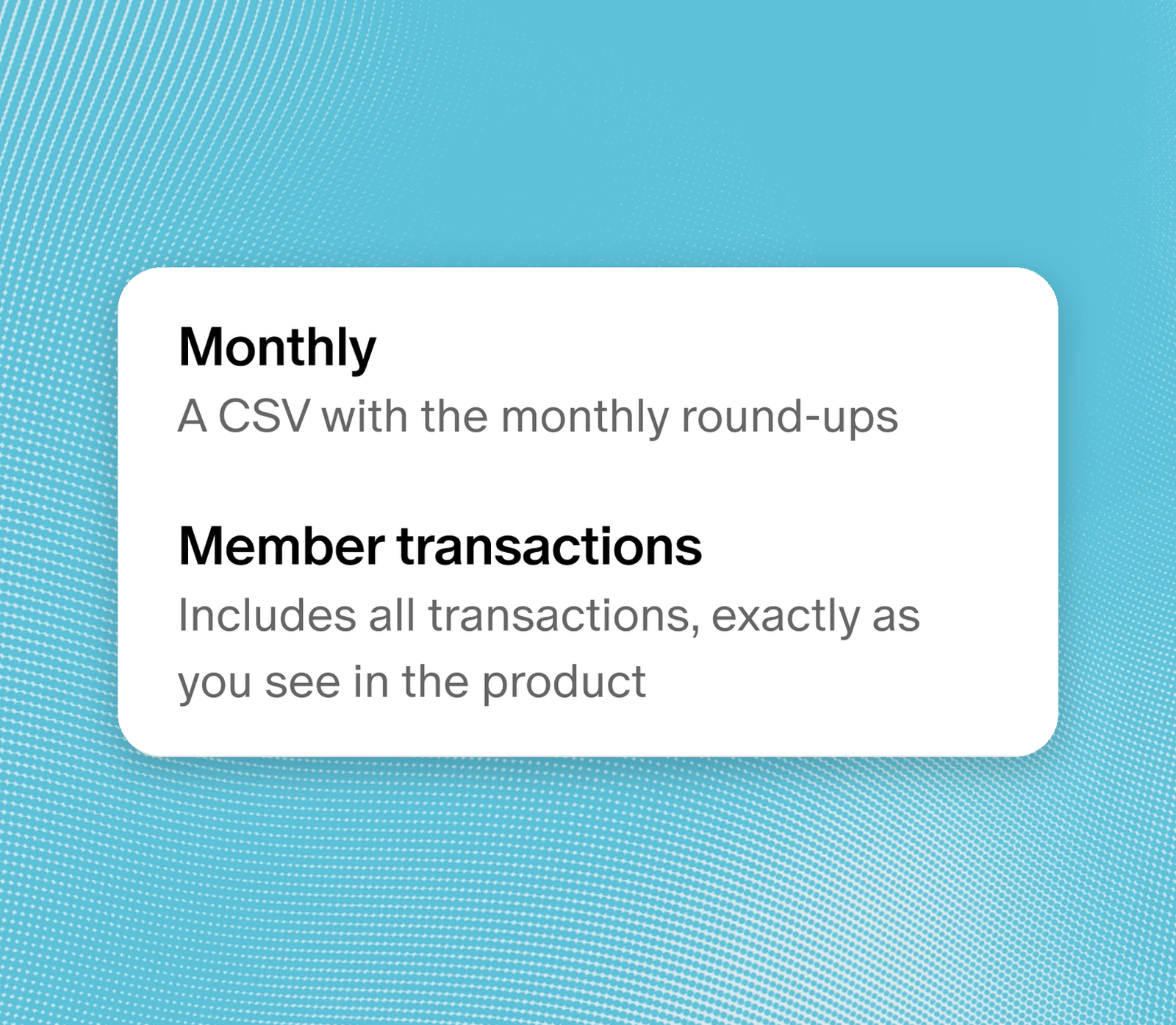
Your monthly earnings, payouts, and member transactions CSVs now all match each other and follow the dates you select, so you're not left doing the math.
What isn't changing
How much you earn and when payouts go out stay the same. Your balance and your Earnings dashboard now both show Pacific Time, and if you pull your CSVs with an automated workflow, take a moment to check that it still works, since the reports have changed. To learn more about what's changing and what's staying the same, head to our Help Center.