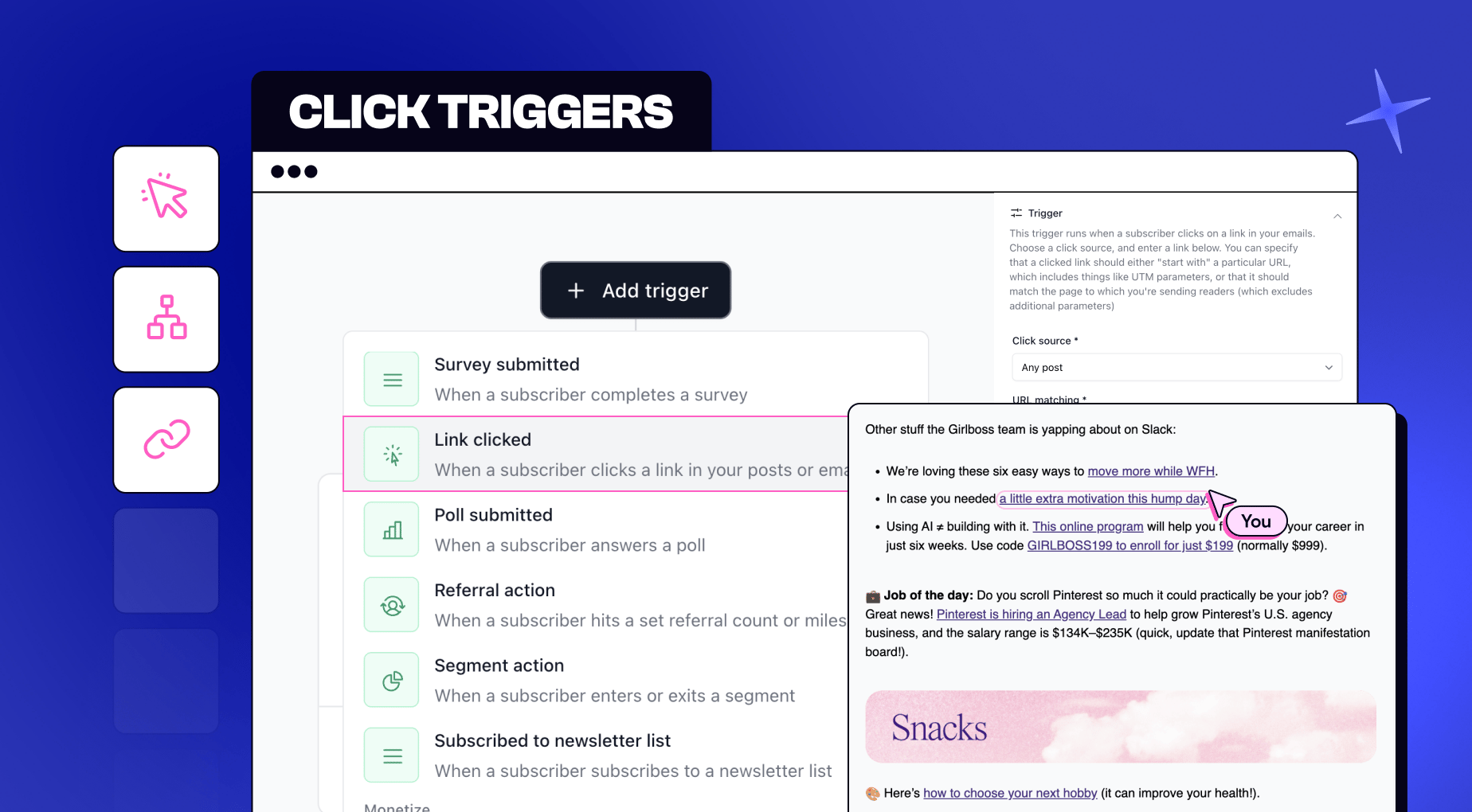
| | | | | Sure, the last few months have been packed with new releases, with podcasts, Community, Copilot, and more. But we haven’t forgotten what made beehiiv a best-in-class newsletter platform in the first place. | Today, we’re rolling out a new batch of updates built around our core newsletter capabilities: | 🫵 Click Triggers for automations
💰️ Custom Group Deals (for paid subscriptions)
💻️ Send API (now available on Max plans)
❓️ Random Cohort Sends
🎨 Visual Editor stable release | Let’s dive in… |
| |
|
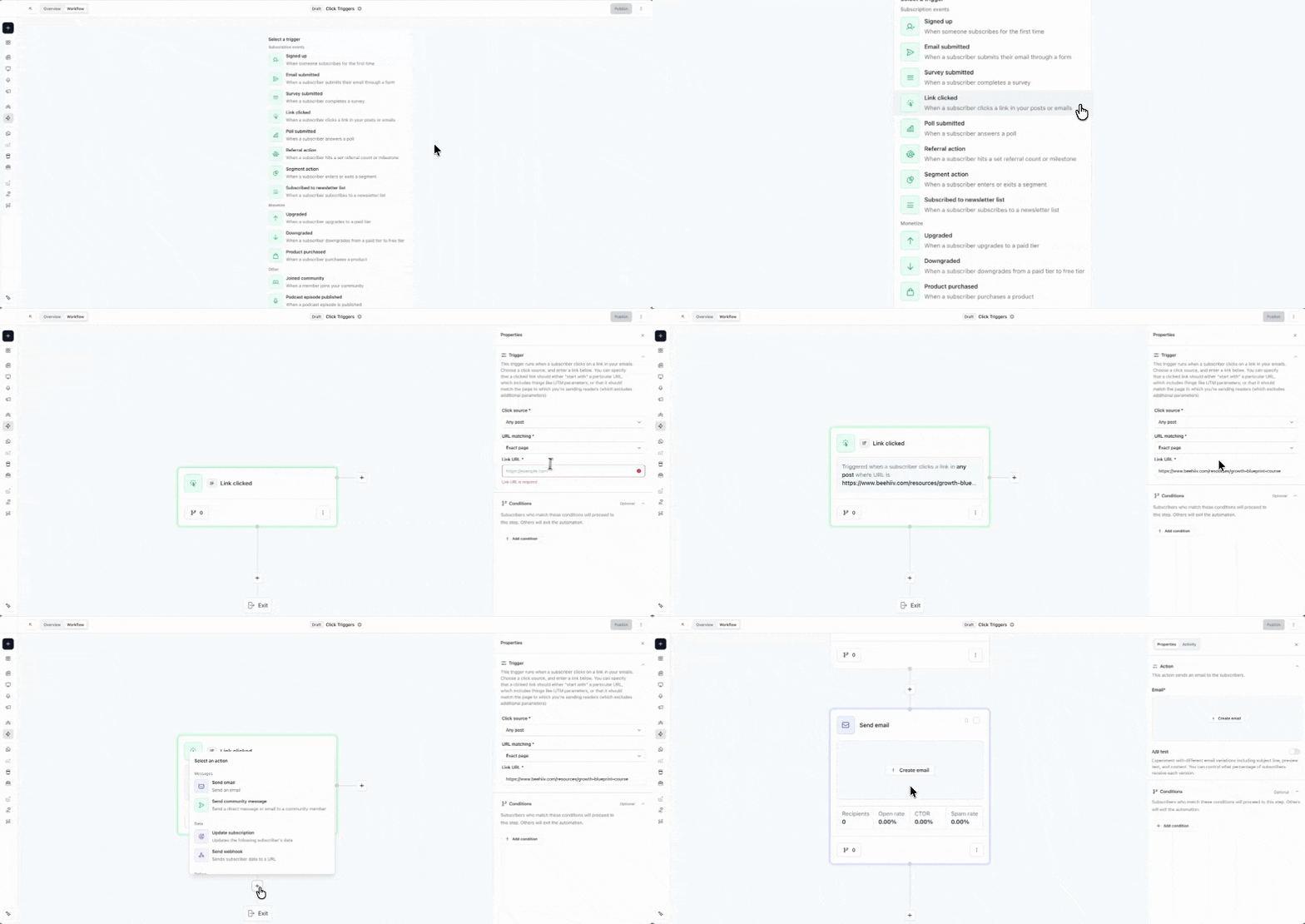
| | | | Clicks are one of the strongest signals of subscriber intent. Now, you can trigger an automation the moment someone clicks a specific link. | With Click Triggers, you can easily launch a follow-up sequence, tag high-intent readers, or kick off a sales flow, all based on real engagement signals from your readers. | Getting started is simple: | Create a new automation Select the “Clicked a link” trigger Add the specific URL (either exact match, or “starts with”)
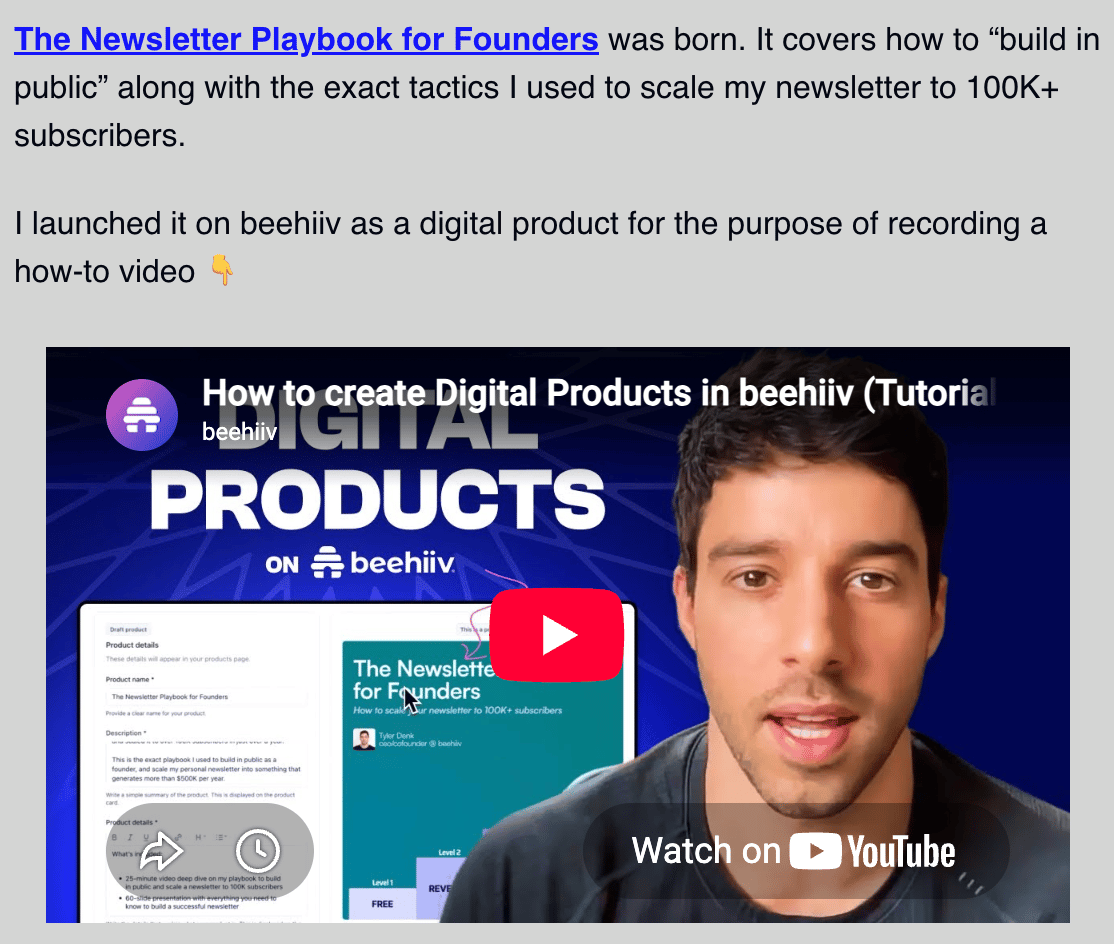
| | You can even build your automation around a specific post, automation, or email. | I’ve used this exact trigger to drive thousands of dollars in sales. Here’s how: | First, I created The Newsletter Playbook for Founders. It’s the exact playbook I used to scale Morning Brew to 4M subscribers and my personal newsletter to a six-figure side project. | By the way, that digital product was built directly on beehiiv, using the same tools available to every publisher on our platform. And unlike our competitors, we never take a cent of what you earn 😉. | After building the playbook, I promoted it in a recent edition of my newsletter. The link got thousands of clicks, but only a few hundred people purchased. | | But thanks to the new click trigger, I was able to reach out directly to every person who clicked. I waited 24 hours to check whether or not they purchased the playbook, and those who didn’t got a personalized follow-up reminder from me. This drove hundreds more sales. | It’s a perfect example of how newsletters, digital products, and automations can work together to generate revenue on autopilot 🤑. | | Note: Click Triggers are available to users on Max and Enterprise plans. You can learn more and/or upgrade here. |
|
|
| |
|
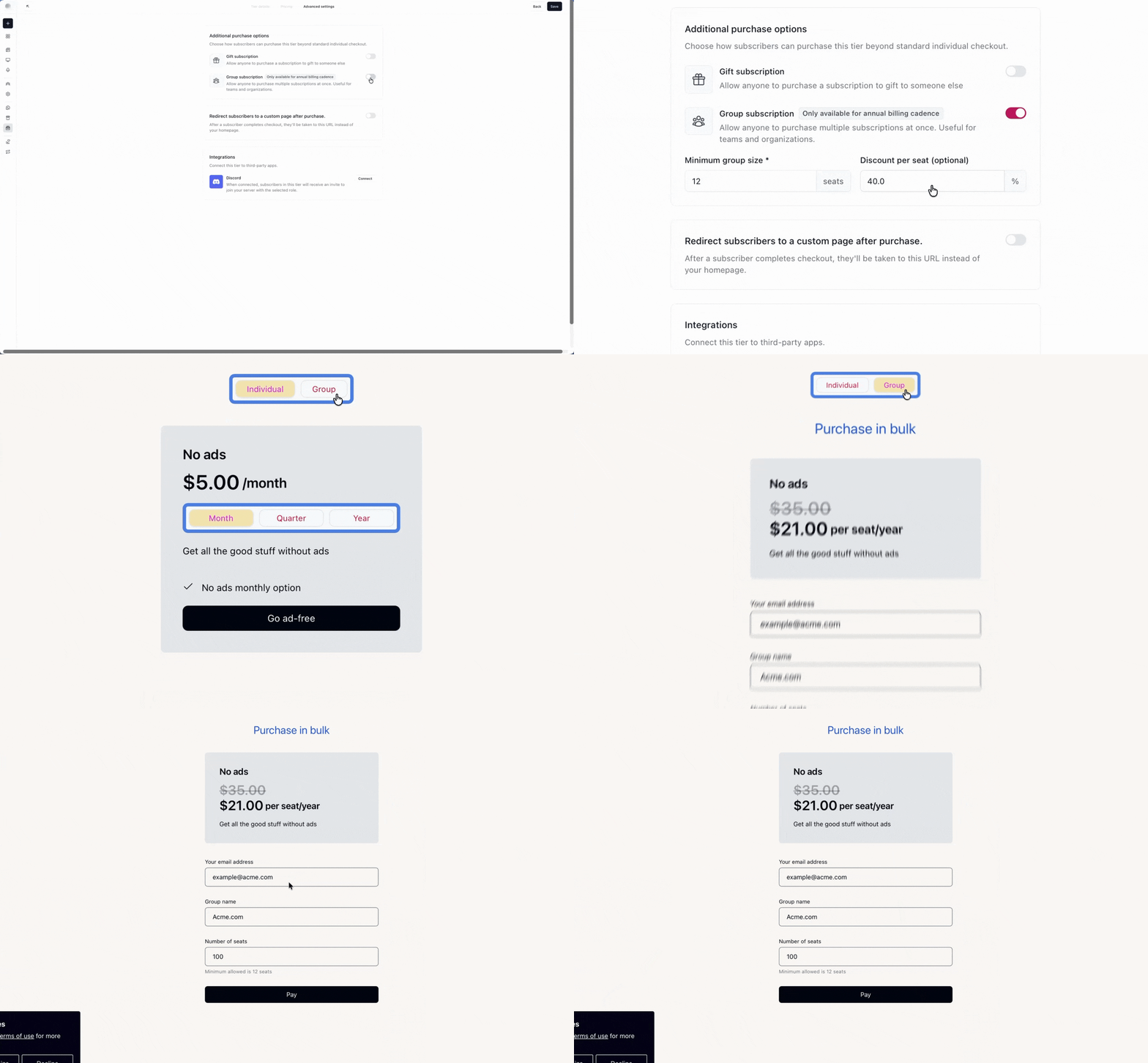
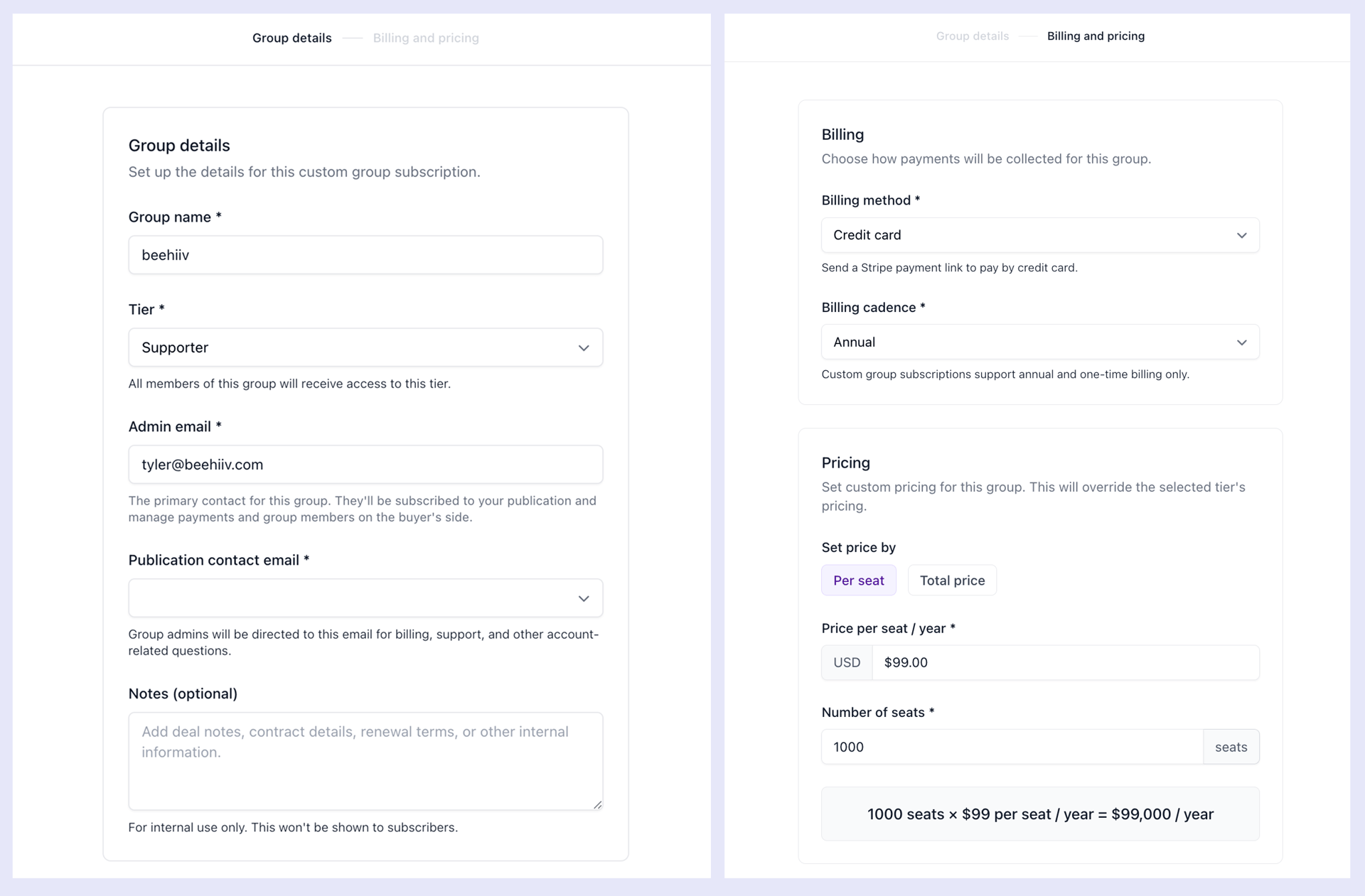
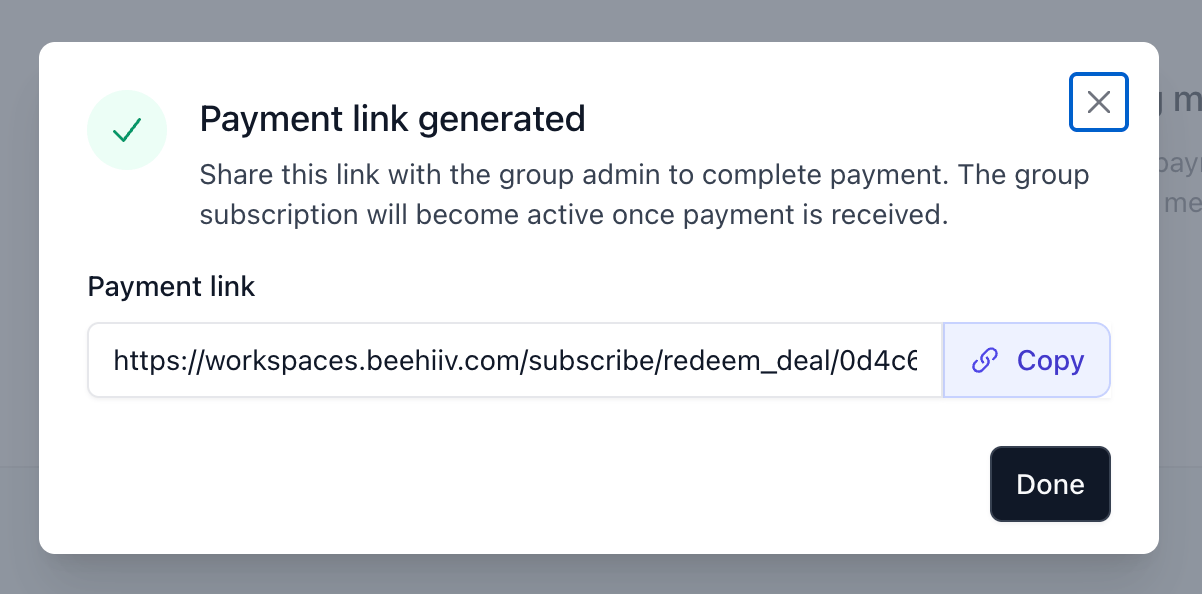
| | | | Group Subscriptions let you sell access to entire teams, companies, and organizations. Toggle it on for any paid plan or tier, and the group purchase option will instantly appear at checkout. | | Today, we’re introducing Custom Group Deals, giving you more flexibility to create tailored packages for your biggest customers. | Instead of offering the same group subscription to everyone, each deal can have its own pricing, seat limit, and payment terms (credit card, invoice, or off-platform). | Let’s say your standard subscription costs $10/month per seat, but you want to offer the wonderful employees at beehiiv a special group rate of $5/month per seat. | Just head to Subscriptions → Tiers → Group Subscriptions, then select the option to create a custom group. From there, fill in the relevant deal details (feel free to make me the primary billing contact). | | Once the deal is created, you can send the primary admin a link to complete payment. In this example, that’s me. | | While the primary admin (me) can invite employees to join the group subscription, you can also manage members on your customer’s behalf. This gives you the flexibility to offer a more hands-on, concierge experience for your highest-value customers. | In short: group subscriptions on beehiiv are now more powerful and flexible than ever. | | Note: Paid Subscriptions are available on all paid plans, and Group Subscriptions are available on our Max and Enterprise tiers. You can learn more and/or upgrade here. |
|
|
| |
|
| | | | | Send API now on the Max Plan 👀 |
| |
|
| | | The Send API lets you create and send posts programmatically from your own CMS, internal tools, the command line, or wherever else you work. | Previously, the Send API was only available to Enterprise customers. Today, we’re extending access to users on our Max plan as well. | But we’re doing more than just expanding access—we’re also adding several powerful new capabilities: | Preview. Each API call now returns a preview URL with an exact rendering of the email, so you can send with confidence. Instant validation. We’ve added additional validation for common mistakes, so you get instant feedback instead of waiting around for async failures. Audience confirmation. Post responses now include the full recipient list and total count, so you can verify your audience before and after sending. Improved developer documentation. We’ve made it easier to find what you need, get started, and start sending faster 🫡.
| | Note: Send API is available to users on Max and Enterprise plans. You can learn more and/or upgrade here. |
|
|
| |
|
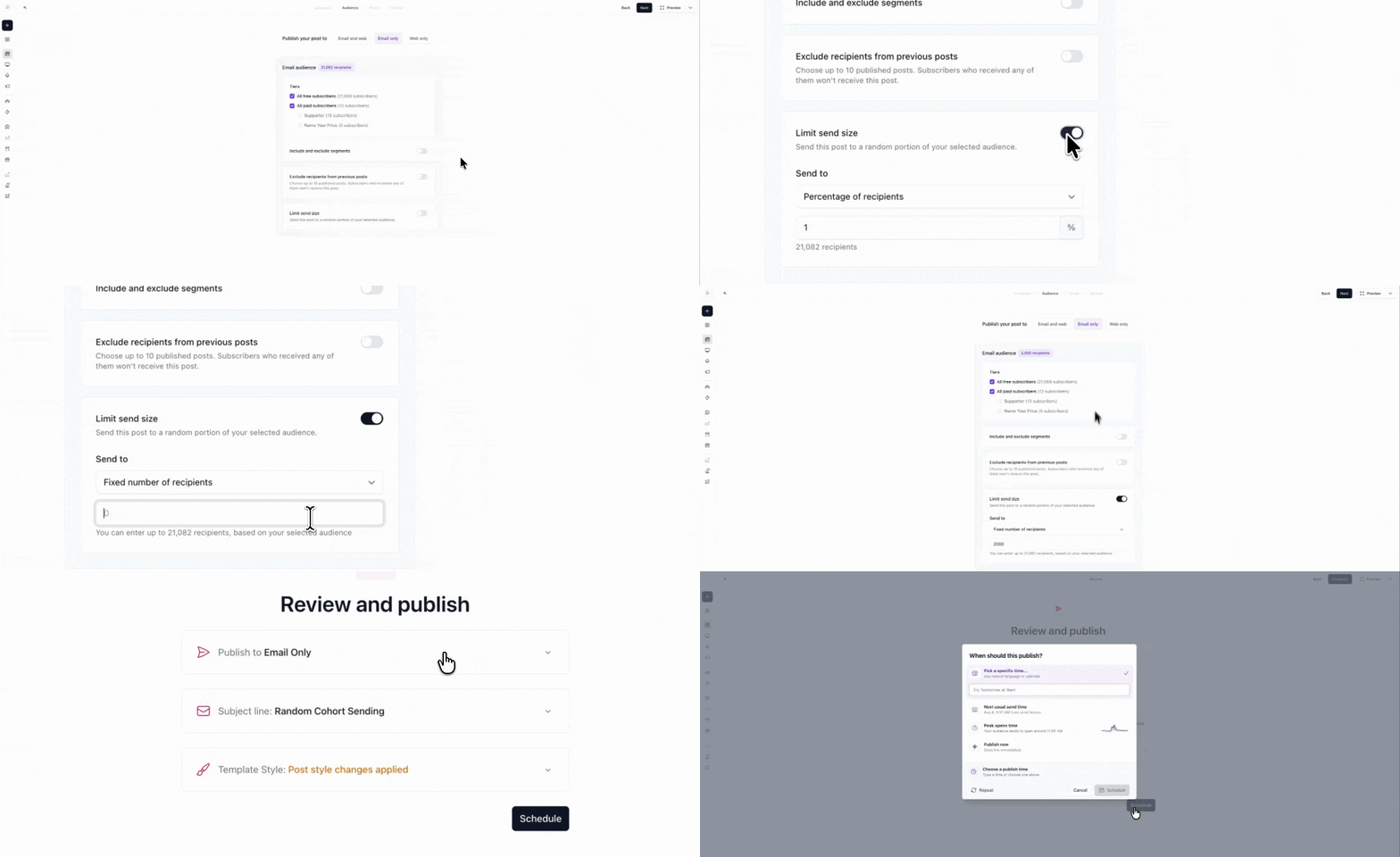
| | | | Random Cohort Sends allow you to send to a randomized slice of your audience, then exclude that same cohort from future sends. | It’s a powerful upgrade to your content workflows. You can now run multiple ad campaigns across distinct, non-overlapping cohorts. Or, test new messaging with a smaller group before rolling it out more widely. | | | Note: Random Cohort Sending is only available to users on Enterprise plans. You can learn more and/or upgrade here. |
|
|
| |
|
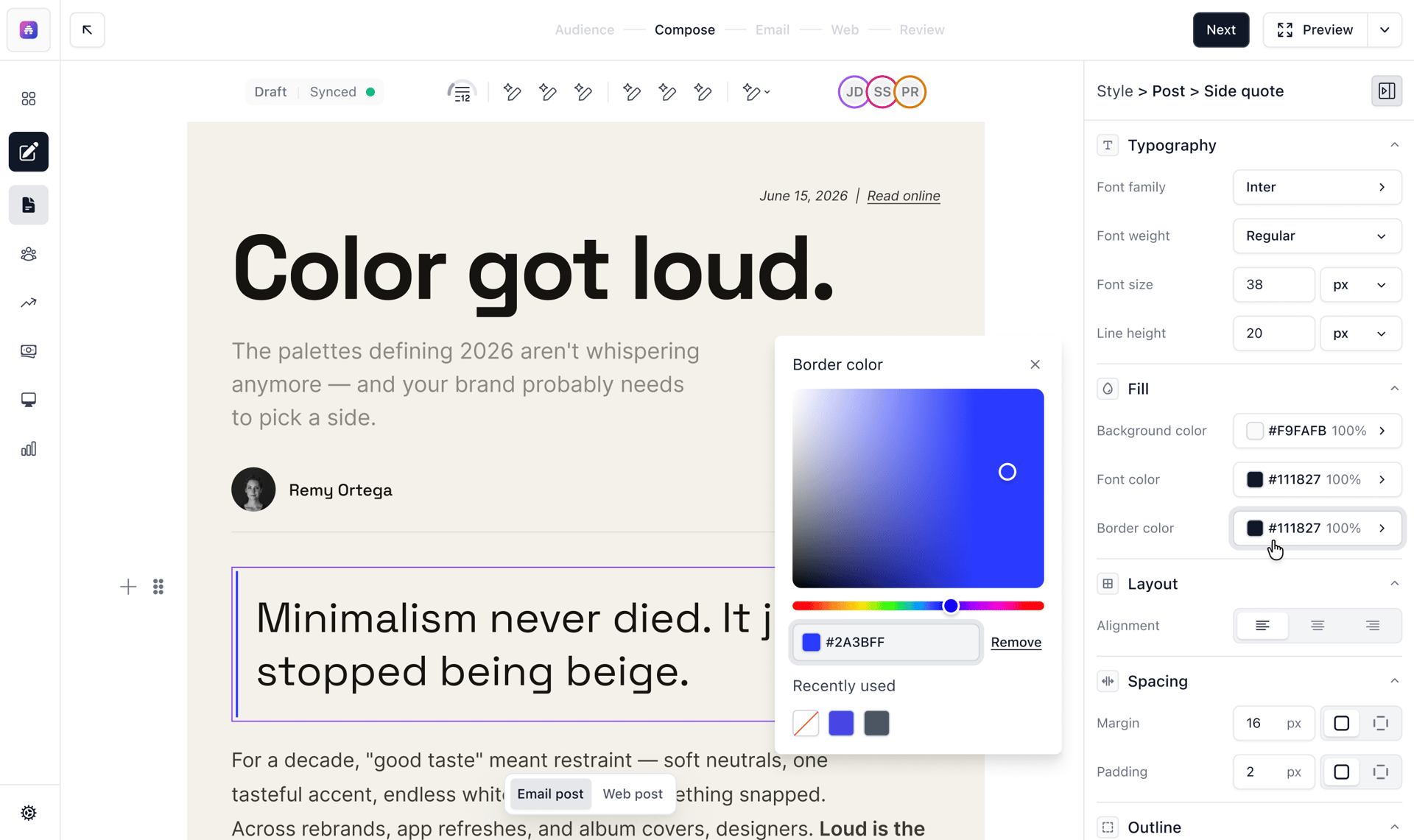
| | | | We recently introduced our all-new Visual Editor in beta, and I genuinely believe it offers the best writing experience on the internet. | After weeks of rave reviews, we’re officially removing the “beta” tag. Just head to the editor, toggle on the new version, and start writing with confidence. | |
The editor sits at the heart of beehiiv, and we’ve spent the entire year rebuilding it from the ground up. Our all-new Visual Editor delivers:
| A true what-you-see-is-what-you-get (WYSIWYG) experience More design and customization capabilities Major performance improvements Real-time collaborative editing And so much more…
| |
| |
|
|
|